
A festive photo filter
Whoville AI Character Generator
Turn your photo into a whimsical holiday character with tall curls, festive clothes, and a snowy storybook setting.
Example result
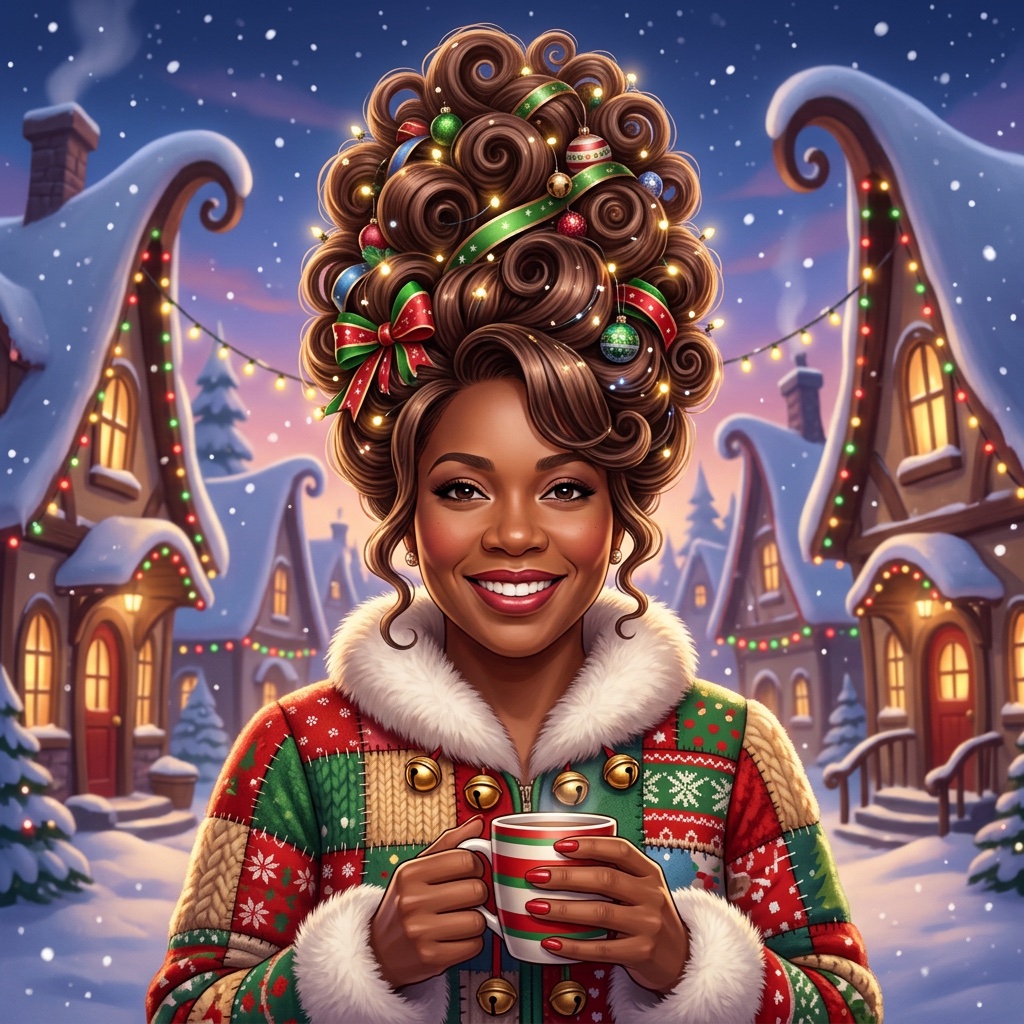
My works
Your results will appear here.
How to use the Whoville photo filter
1. Add a photo
Choose a clear, well-lit portrait of yourself or a consenting adult.
2. Generate
Use the ready-made prompt or adjust the hair, outfit, and background. Check the credit quote before submitting.
3. Preview and download
Review your result and download it when you are happy. Results vary by photo and model.
Frequently asked questions
Is this a live camera filter?
No. It creates a new still portrait from your uploaded photo; it does not apply a filter to a live camera.
Does it cost anything?
Generation uses credits. The quote depends on the selected model and settings and is shown before submission.
Can I make a video?
This page creates a still image. You can download it and upload it separately to the image-to-video tool; video generation is charged separately.
Is this an official product?
This tool is independent and is not affiliated with, sponsored, or endorsed by Dr. Seuss Enterprises.