
Create from this template
Our AI video workflows use prompts and/or reference media; they do not use a face-swap or face-replacement tool. Acceptable use policy
Pet photo
Upload one clear photo of your pet, with its face visible.
Choose a clear JPG, PNG or WebP image (up to 10 MB).
Checking the price…
Pet to Human AI Video
What might your pet look like as a person? Upload a photo to create a playful transformation. The model may draw on features such as coloring, but the result can vary.
Template idea
Generated exampleHow credits work for this template
The tool displays the current quote before you generate. If the template uses an image-then-video workflow, the quote includes both stages. This template does not add a separate agent chat-turn charge. The quote can change with the configured model and settings.
What it's great for
- A funny post for pet accounts and pet-owner communities
- A gift for friends who love their dog or cat
- A character idea for stories, comics or games
Photo tips for best results
- Use a close, sharp photo of your pet's face with good light.
- One pet per photo gives the cleanest transformation.
- Choose a photo with the pet's face unobstructed and easy to see.
How to use this template
- 01
Upload a photo
Choose a clear photo you have permission to use. Any people shown must meet the consent and adult requirements stated in the upload form.
- 02
Check and generate
Sign in, confirm the required permissions and review the current credit quote shown in the tool before generating.
- 03
Generate and save
Follow progress on this page. When complete, preview and download the video here or find it in My creations.
More templates
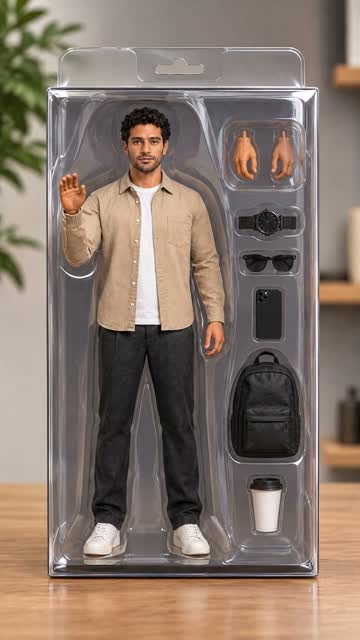
Action Figure Box
Turn the person in your photo into a collectible figure inside a toy box.
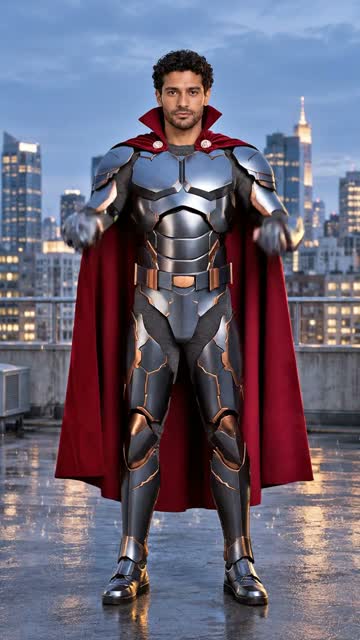
Superhero Transformation
Watch the person in your photo suit up as an original superhero.
 Transformations
Time Aging
See the person in your photo age gracefully over the years in one shot.