
Create from this template
Our AI video workflows use prompts and/or reference media; they do not use a face-swap or face-replacement tool. Acceptable use policy
Old photo
Upload one old photo. It can include one person or a group.
Choose a clear JPG, PNG or WebP image (up to 10 MB).
Checking the price…
Animate Old Photos with AI
Give an old photo gentle movement, such as blinking or a small smile. The template aims to preserve the original people and setting, but details can change in the result.
Template idea
Generated exampleHow credits work for this template
The tool displays the current quote before you generate. If the template uses an image-then-video workflow, the quote includes both stages. This template does not add a separate agent chat-turn charge. The quote can change with the configured model and settings.
What it's great for
- Sharing an animated family photo with the people pictured
- Family milestones and anniversary videos
- Family history projects and genealogy posts
Photo tips for best results
- Scan or photograph the print straight on, without glare.
- Crop away the album page or frame so the faces fill more of the image.
- Restore heavily damaged photos first; scratches across faces can distort motion.
How to use this template
- 01
Upload a photo
Choose a clear photo you have permission to use. Any people shown must meet the consent and adult requirements stated in the upload form.
- 02
Check and generate
Sign in, confirm the required permissions and review the current credit quote shown in the tool before generating.
- 03
Generate and save
Follow progress on this page. When complete, preview and download the video here or find it in My creations.
More templates
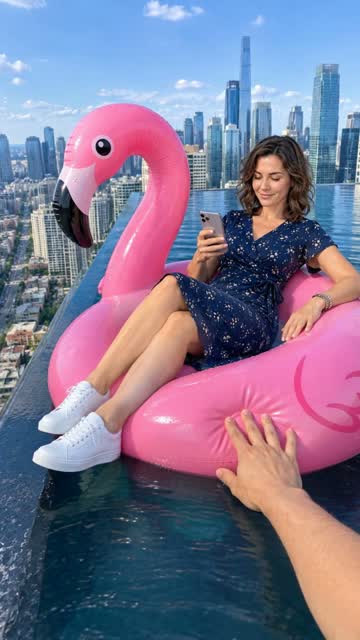
Flamingo Float AI
Drift on a pink flamingo float in an original rooftop pool scene.
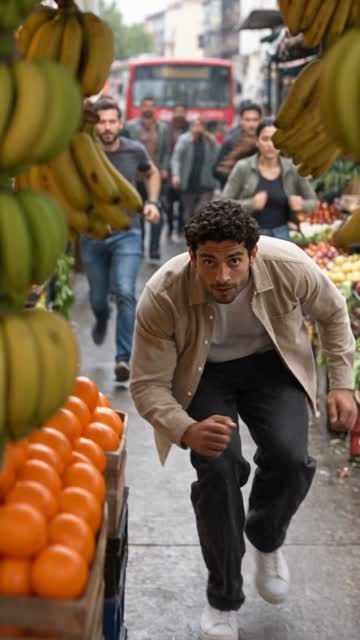
Police Chase AI
Star in an original market chase from one photo.
 Animate photos
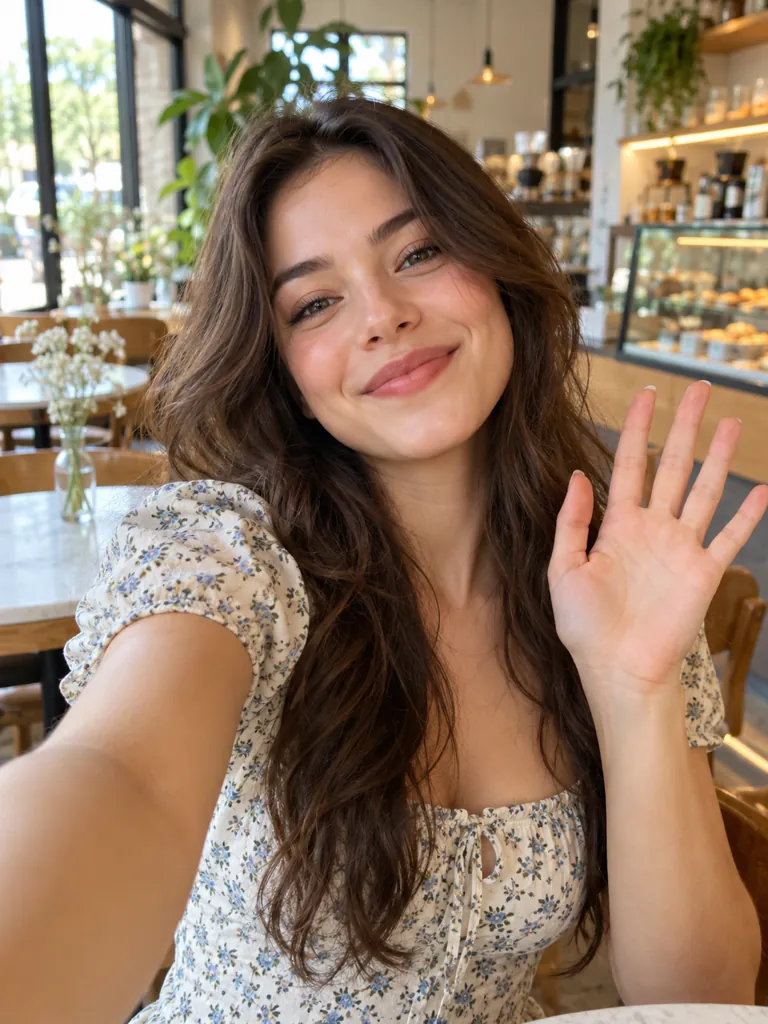
Selfie Comes Alive
Make your selfie smile and wave hello.
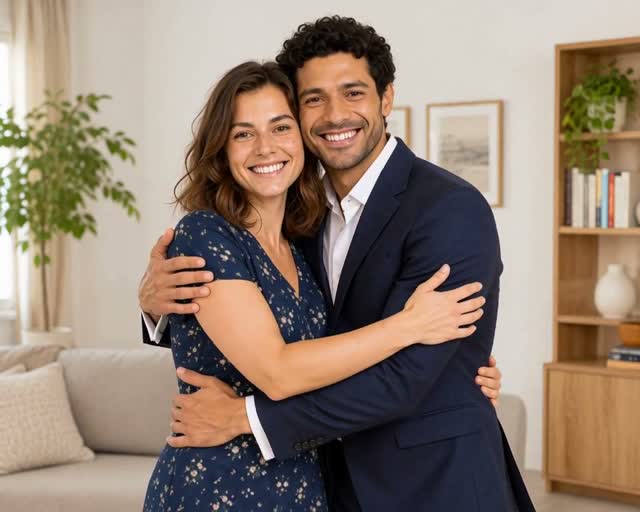
AI Hug Video
Turn a group or couple photo into a warm hug, like the moment after the picture.