
Create from this template
Our AI video workflows use prompts and/or reference media; they do not use a face-swap or face-replacement tool. Acceptable use policy
Person photo
Upload one clear photo of the person you want to feature.
Choose a clear JPG, PNG or WebP image (up to 10 MB).
Checking the price…
Lil Yachty Walkout AI: Festival Entrance from a Photo
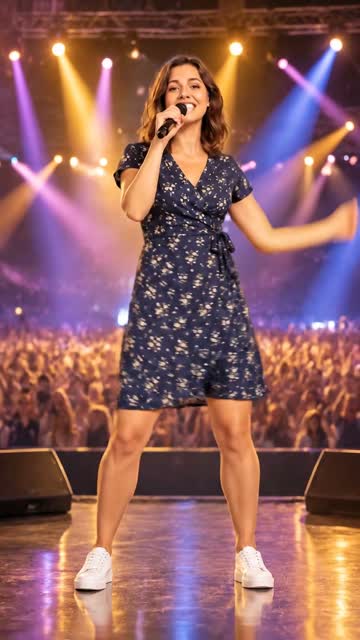
Make an original festival entrance inspired by the walkout meme: step out backstage, raise a microphone and run toward a crowd. Results vary; it does not use Lil Yachty, the original footage or song.
Template idea
Generated exampleWhat it's great for
- Make a personal festival entrance
- Create a celebratory walkout clip
- Share a lighthearted entrance meme
Photo tips for best results
- Use a clear photo of one consenting adult.
- A full-body photo provides more detail for the walk.
- Crowd, movement and likeness may vary between results.
How to use this template
- 01
Upload a photo
Use clear, well-lit photos with the subjects fully visible.
- 02
Check and generate
Confirm permission to use the photo and review the credit cost.
- 03
Generate and save
Follow progress on this page; completed clips are saved in My creations.
More templates
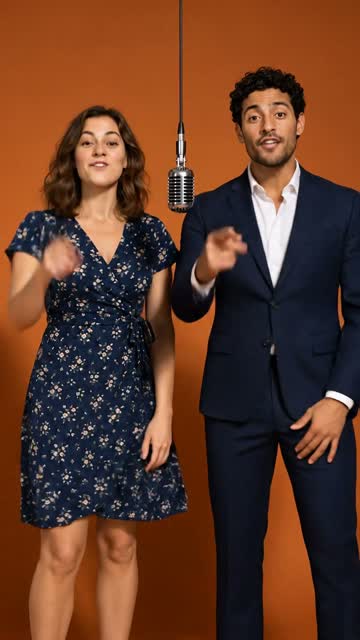
AI Rap Video
Turn two portraits into a rap-style video.
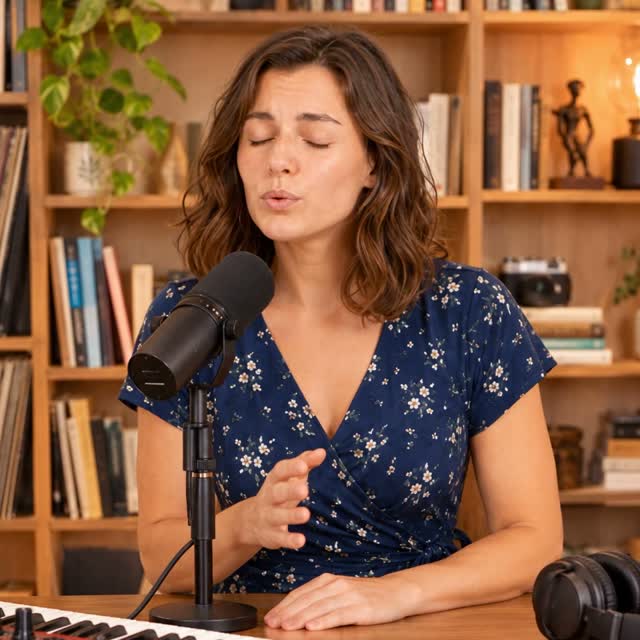
Tiny Desk Video
An intimate desk-side live performance starring the person in your photo.
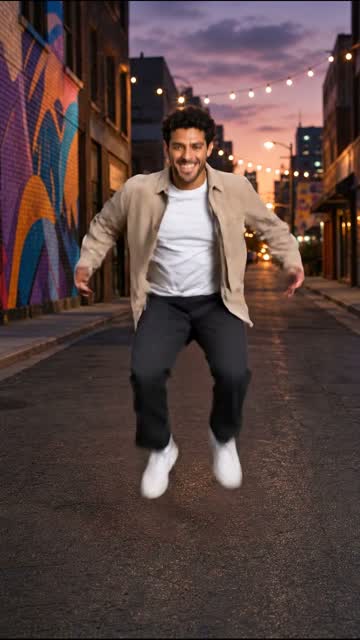
Street Dance
Make the person in your photo bust out an energetic street dance.
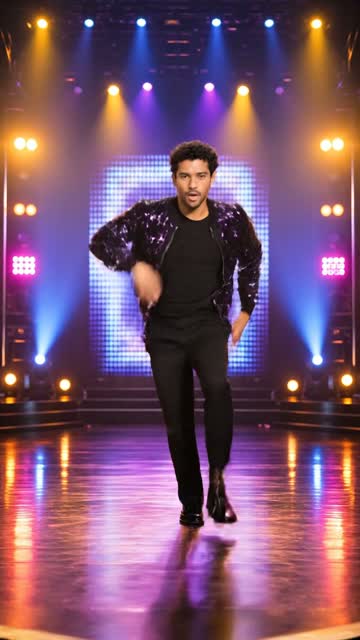
K-pop Stage
Put the person in your photo on a bright idol-style stage.
Concert Stage
Turn the person in your photo into a singer on a big concert stage.