
Create from this template
Our AI video workflows use prompts and/or reference media; they do not use a face-swap or face-replacement tool. Acceptable use policy
Person photo
Upload one clear photo of the person you want to feature.
Choose a clear JPG, PNG or WebP image (up to 10 MB).
Checking the price…
AI Halloween Costume Video from Your Photo
Skip the costume shop. Upload a portrait and the template turns it into a short Halloween transformation: an original witch outfit appears as you turn to the camera under jack-o'-lantern light.
Template idea
Generated exampleWhat it's great for
- A costume reveal for Halloween posts on Reels, TikTok or Shorts
- A spooky party invite or countdown clip for friends
- Trying a costume look before you buy or make one
Photo tips for best results
- Use a front-facing photo where your face is sharp and well lit.
- Half-body or full-body shots give the outfit more room to change.
- Plain backgrounds work best; the template replaces the scene with a night street.
How to use this template
- 01
Upload a photo
Use clear, well-lit photos with the subjects fully visible.
- 02
Check and generate
Confirm permission to use the photo and review the credit cost.
- 03
Generate and save
Follow progress on this page; completed clips are saved in My creations.
More templates
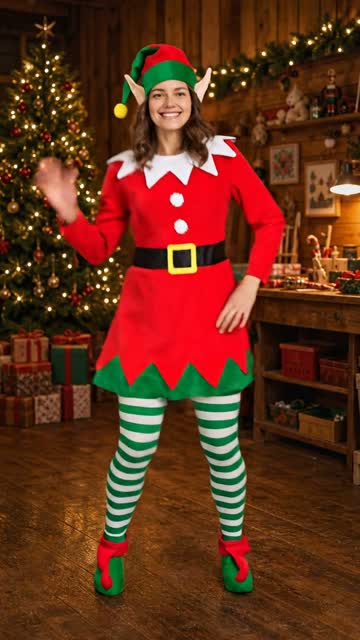
AI Christmas Video
Turn a photo into a festive Christmas clip with elf or party scenes.
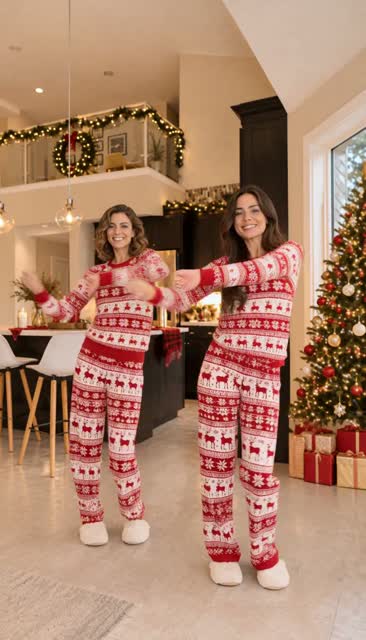
Christmas Dance
Turn one or two photos into the viral Christmas pajama dance, solo or as a duo.
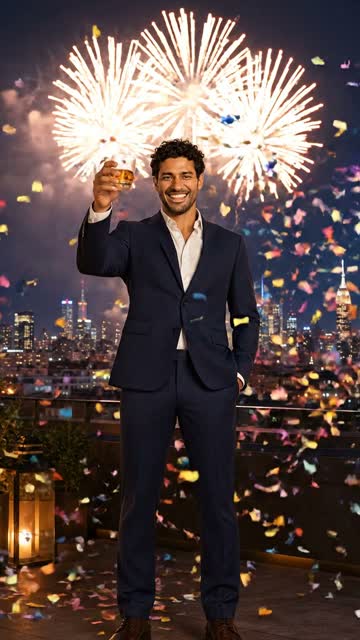
New Year Fireworks
Celebrate midnight on a rooftop with fireworks and confetti.
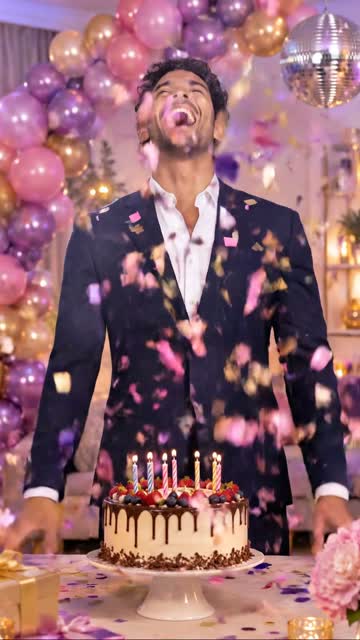
Birthday Party
Put the person in your photo at the center of a warm birthday celebration.